

🧠 Introduction
I still remember the moment I had to decide how to build my blog.
Like most developers, I asked myself:
“Should I just use WordPress… or build something on my own?”
At first, WordPress looked perfect. It was fast, easy, and everyone recommended it. I could have launched my blog in minutes.
But something didn’t feel right.
Because I wasn’t just trying to create a blog.
I wanted to understand how a real blogging system works under the hood — SEO, database design, image handling, authentication, and performance.
So instead of installing WordPress, I made a difficult decision:
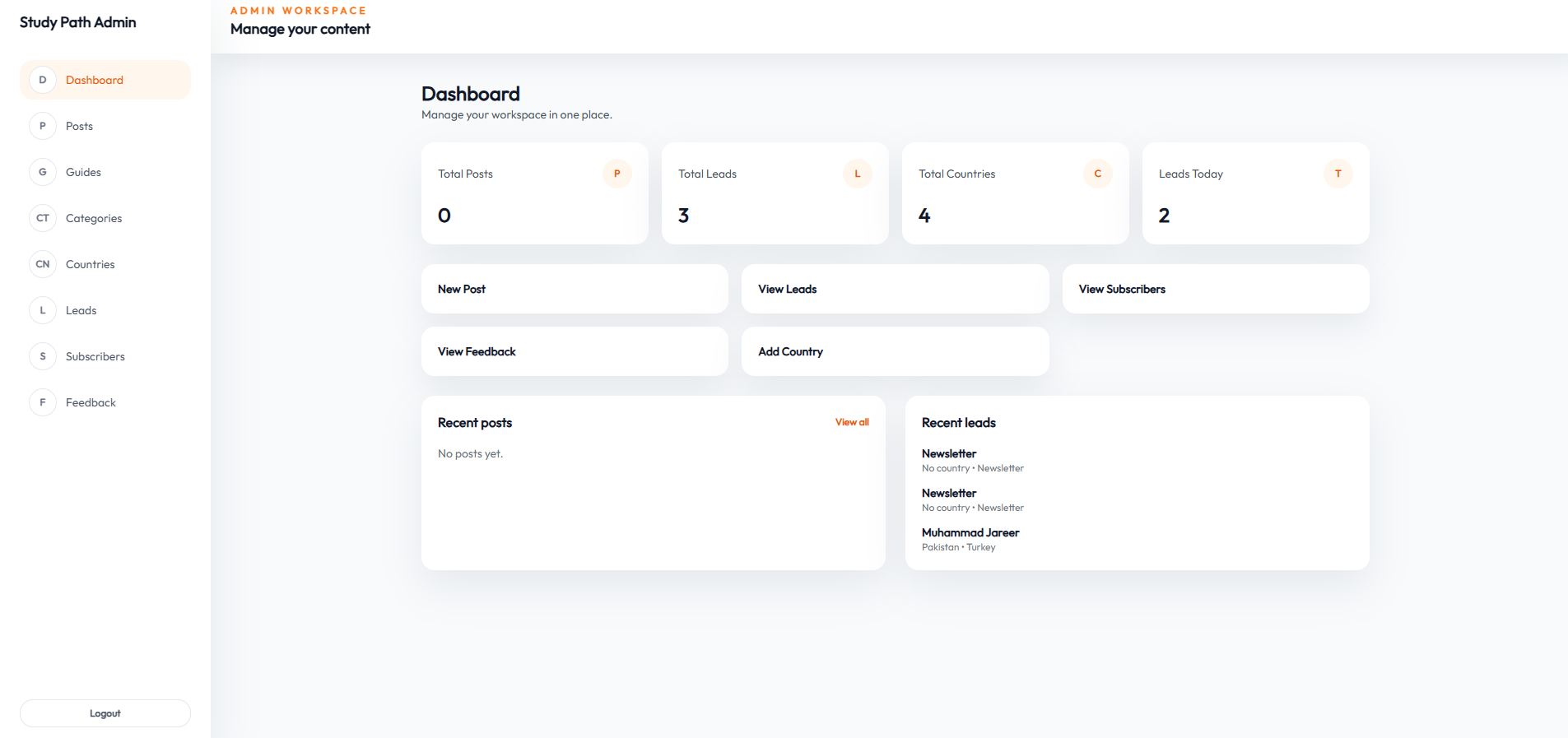
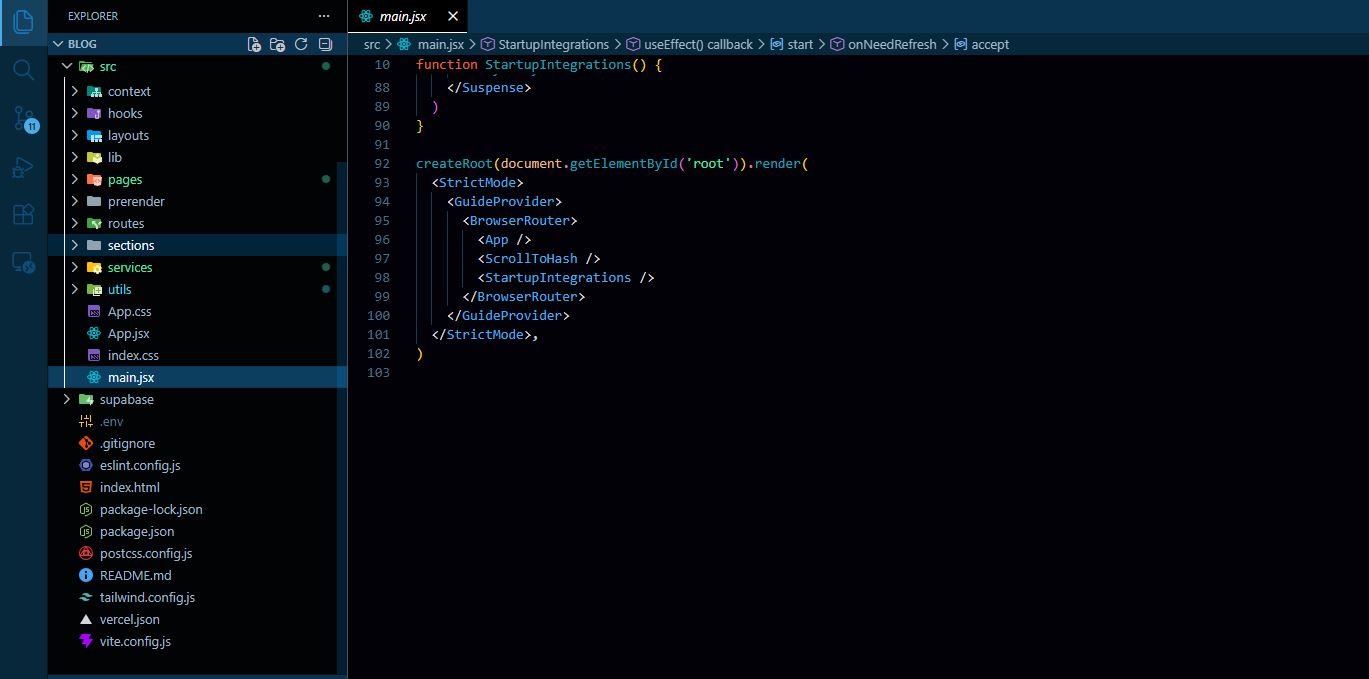
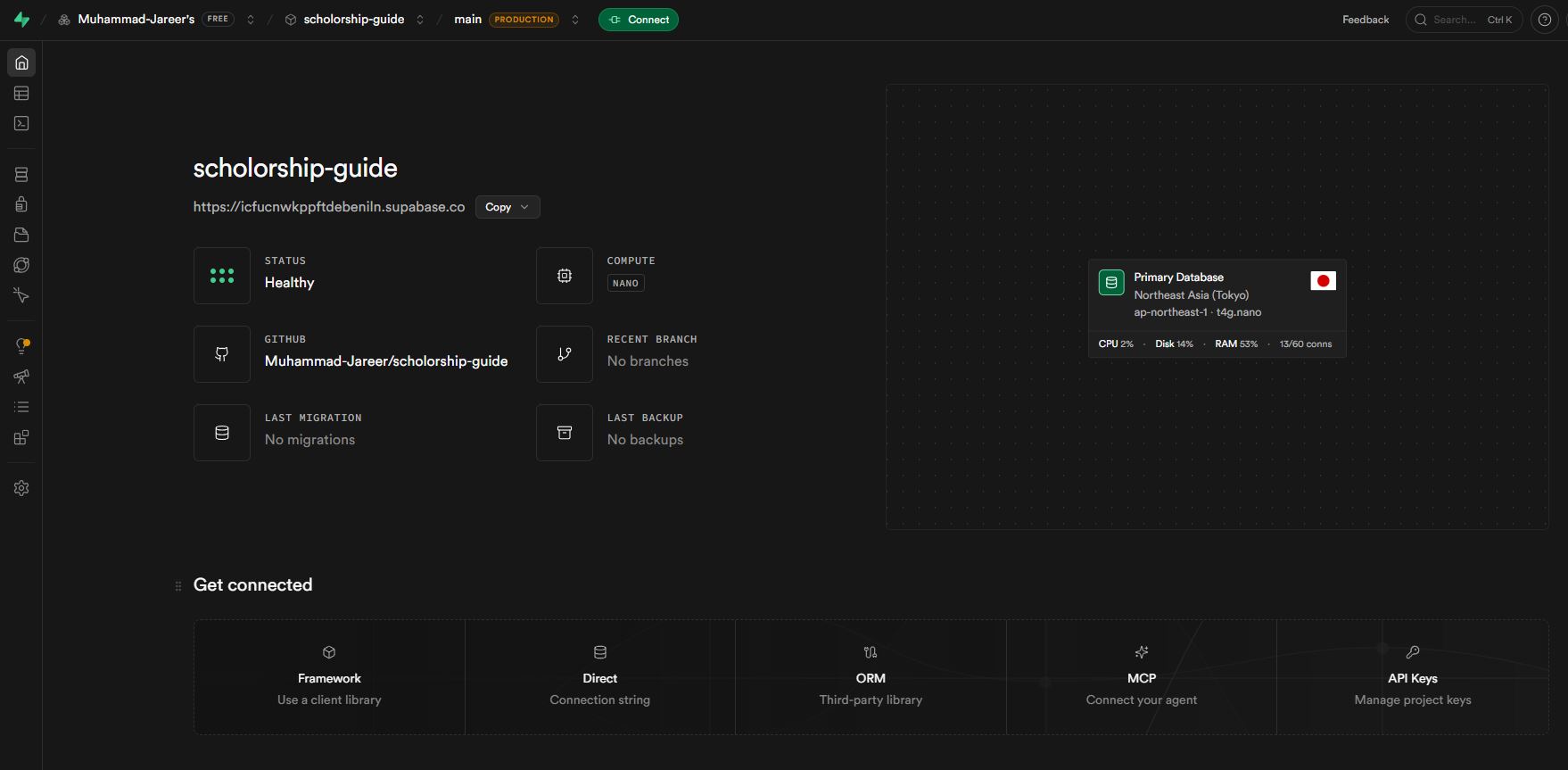
👉 I built my own blogging platform using React (Vite) and Supabase.
And honestly… it was not easy at all.
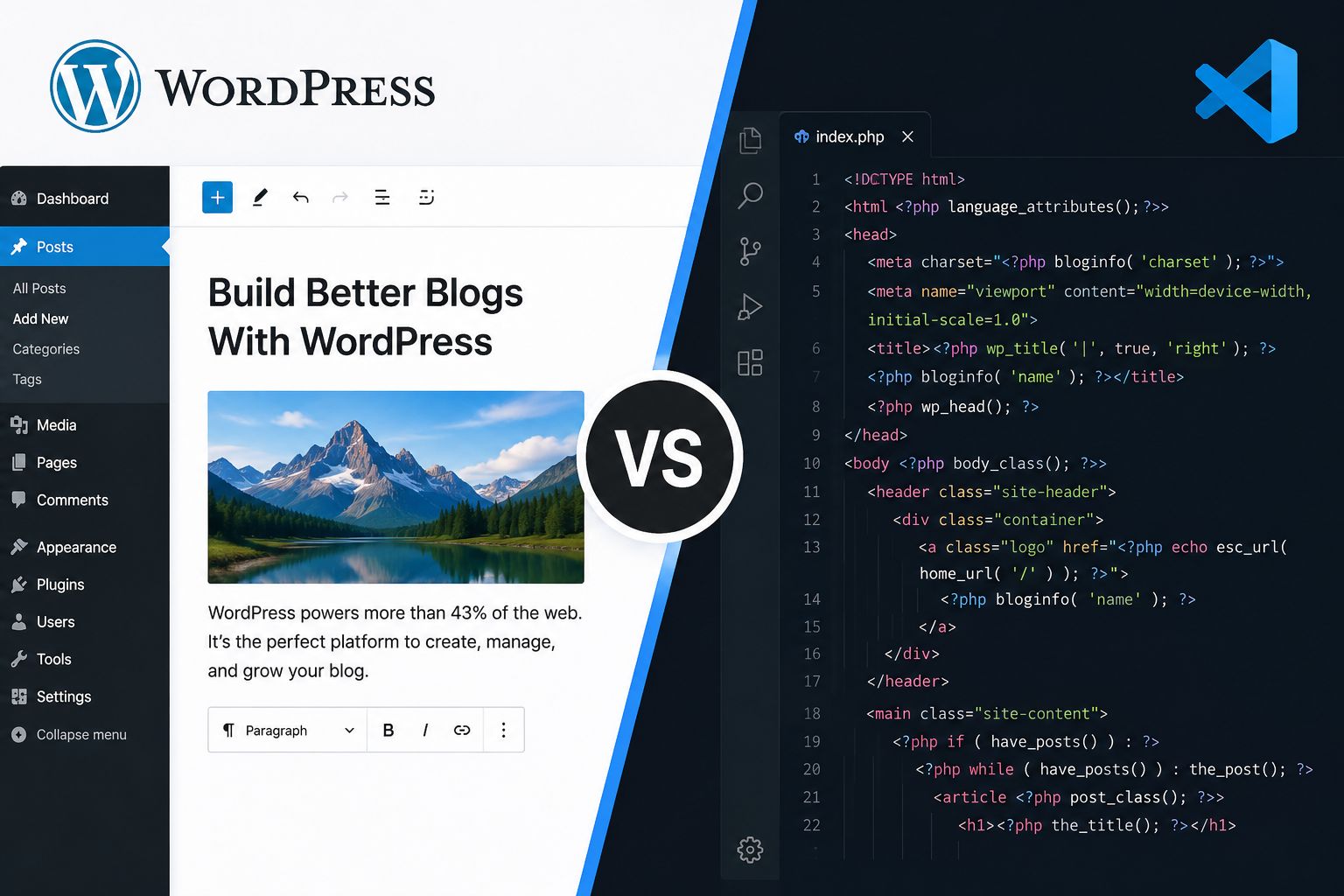
🟢 What is WordPress (and why everyone uses it)?
WordPress is a Content Management System (CMS) that lets you build websites without writing much code.
That’s exactly why people love it.
It is widely used for:
- blogs
- business websites
- portfolios
- online stores
🔍 Why people choose WordPress
Most beginners (and even developers) choose WordPress because:
- It is extremely fast to set up
- No deep coding knowledge required
- Huge plugin ecosystem
- Ready-made themes
- Easy hosting support
In simple words:
👉 WordPress is built for speed and convenience.
And that’s its biggest strength.
⚖️ WordPress vs Custom Website (Real Developer Perspective)
Here is how I personally understood the difference while building my own system:
FeatureWordPressCustom Website (React + Supabase)Setup speedVery fastSlower initiallyControlLimitedFull controlPerformanceDepends on pluginsFully optimized by designSEO systemPlugin-basedFully custom SEO logicScalabilityMediumHighFlexibilityRestrictedUnlimited
At first, WordPress wins.
But long-term?
👉 Custom websites win in control, scalability, and performance.
❌ Why I Didn’t Choose WordPress
When I started building my blog, I seriously considered WordPress.
But once I started thinking deeper, I realized some problems I didn’t notice before.
⚠️ 1. Plugin Dependency Problem
Almost everything in WordPress depends on plugins.
At first, this sounds great…
But in reality, it creates:
- performance overhead
- security risks
- dependency on third-party code
I didn’t want my blog to feel like a collection of plugins.
⚠️ 2. Lack of Architecture Control
I wanted full control over everything:
- database structure
- SEO logic
- image system
- authentication flow
- views tracking system
But WordPress abstracts too much of that away.
And as a developer, that started to feel limiting.
⚠️ 3. Performance Becomes Unpredictable
One of the biggest issues I noticed is this:
The more plugins you add, the more unpredictable performance becomes.
I didn’t want that.
I wanted something lightweight and intentional.
⚠️ 4. I Wanted to Actually Learn
This was the biggest reason.
I didn’t just want a blog.
I wanted to understand:
- how SEO really works
- how database schemas are designed
- how content systems scale
- how views and analytics are built
WordPress hides most of this complexity.
But I wanted to face it directly.
🧱 Why I Built My Own Blogging Platform
So I started building from scratch using:
⚛️ React (Vite)
For:
- fast frontend performance
- reusable components
- smooth UI experience
🗄️ Supabase (PostgreSQL)
For:
- authentication
- database management
- real-time backend logic
- secure data storage
🧠 But the real challenge started here…
Building the blog wasn’t the hard part.
The hard part was designing the system.
🖼️ Image System Problems
At one point, I struggled with:
- single image vs multiple images
- how to store galleries properly
- how to avoid duplication
- how to show images in a clean UI
I ended up designing:
- featured image → for cards + SEO
- gallery images → for post content
And even then, I had to fix logic multiple times to avoid inconsistent data.
🔍 SEO System Challenges
SEO wasn’t just adding meta tags.
I had to design:
- slug-based routing
- meta description fallback system
- OpenGraph image handling
- structured content flow
It was more complex than I expected.
📊 Views System Issues
I also realized a common mistake:
simple “views + 1” logic breaks under real traffic conditions
So I had to design a safer, atomic update system using Supabase logic.
👨💻 What I Learned From Building Everything Myself
This project changed how I think as a developer.
🧠 1. Control is more powerful than convenience
WordPress is easy.
But control gives you freedom.
⚡ 2. Performance is not an optimization — it is architecture
If your system is badly designed, no plugin will save it.
🔍 3. SEO is not magic
Real SEO comes from:
- structure
- clean URLs
- metadata design
- meaningful content
🧱 4. Real systems are built, not installed
The moment you build everything yourself, you stop being just a user.
You start thinking like a system designer.
👥 So… WordPress or Custom Website?
✔️ Use WordPress if:
- you are a beginner
- you want fast results
- you don’t care about deep customization
✔️ Build Custom Website if:
- you are a developer
- you want full control
- you want to learn real system design
- you plan to scale your project
🚀 Conclusion
WordPress is powerful.
It helps you get started quickly.
But building a custom website gives you something deeper:
👉 understanding, control, and ownership
For me, the decision was simple.
I didn’t just want to publish a blog.
I wanted to build a system I fully understand from the ground up.
💡 Final Thought
This blog is not just a project.
It is a record of my learning journey — built using React (Vite), Supabase, and a custom architecture designed from scratch.